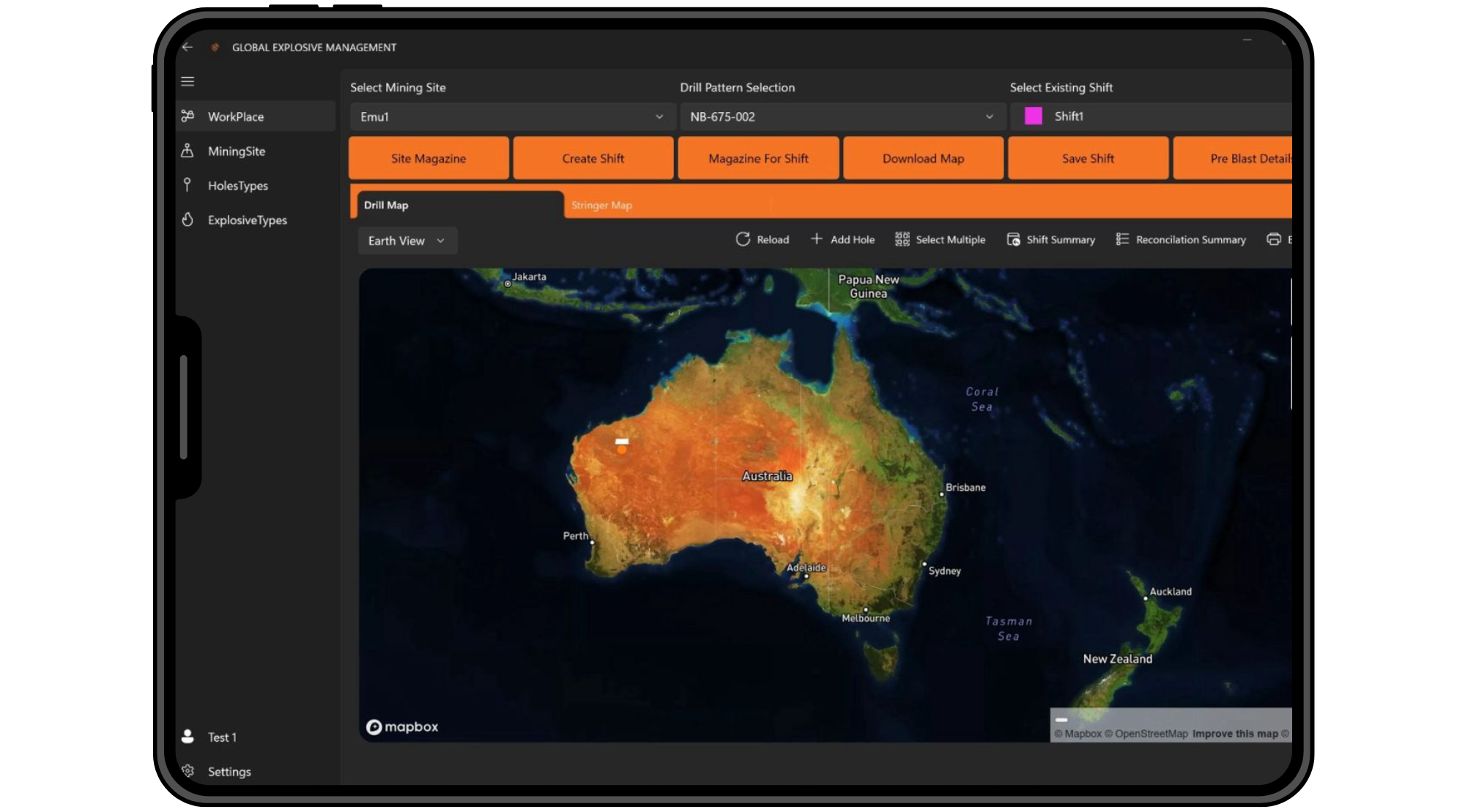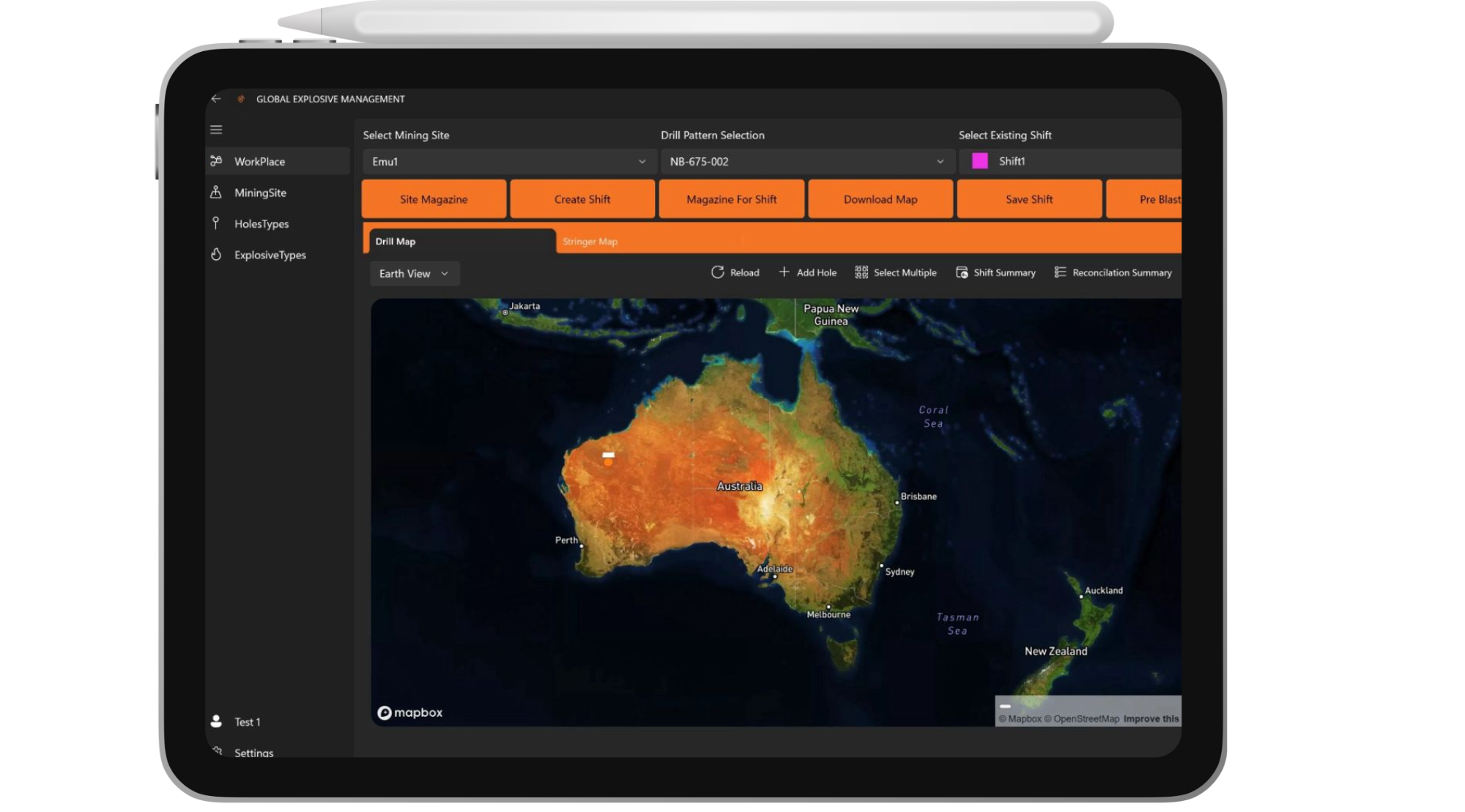
Revolutionise Mining Safety with Our Explosives Tracking App

What is the GEM App?

Purpose-Built for Explosive Safety and Compliance
The GEM App (Geotech Explosives Management) is your all-in-one tool for safer, smarter mining operations. Built specifically for high-risk environments, it delivers the real-time data and oversight your team needs to stay compliant and in control.
Trusted Digital Solution for Mining Operations
Used across Australia by leading mine operators, GEM reduces paperwork, human error and compliance risk, all while increasing operational efficiency and traceability.
Core Features of our Explosives Tracking System
Real-Time Explosive Inventory Management
Know exactly what’s in your magazine at any moment
Automatic inventory updates as explosives are moved or used
Instant alerts for overstocking, understocking or unauthorised access
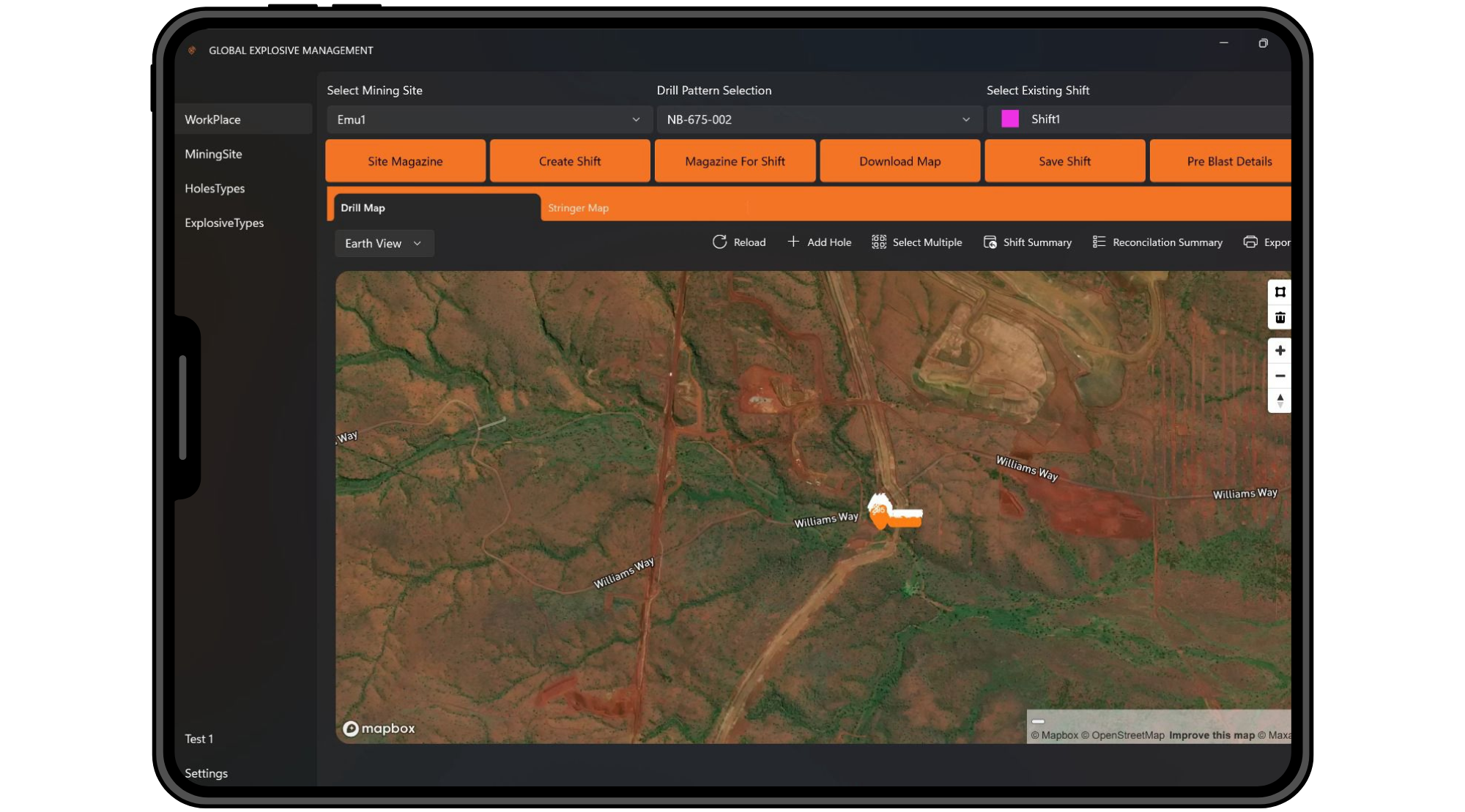
GPS-Enabled Tracking and Audit Trails
Location-based tracking from delivery through to detonation
Digital chain of custody with time-stamped movement logs
Simplifies compliance and strengthens site accountability
Record Digitisation & Blasting Data

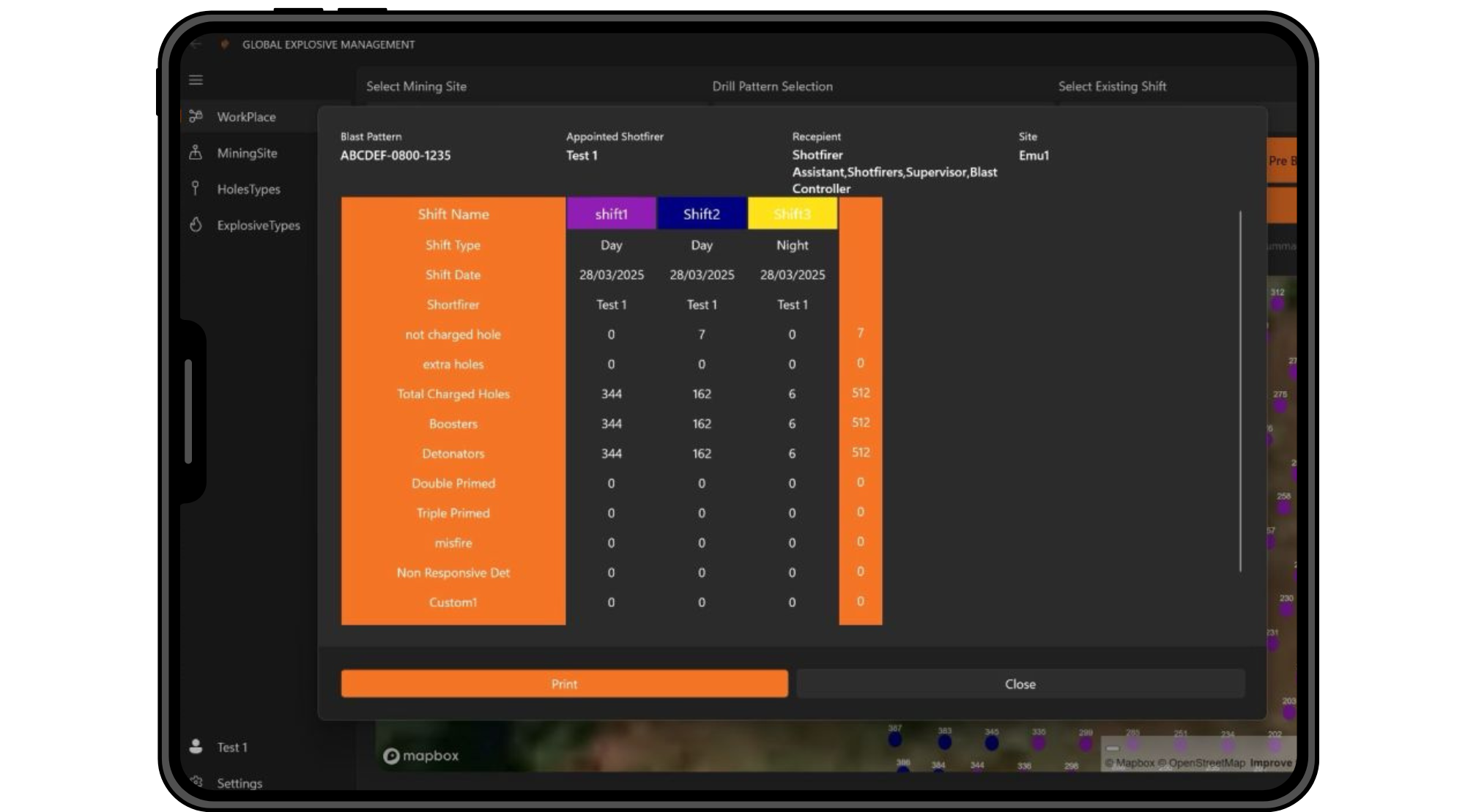
Seamless Explosive Record Digitisation
Still using paper logbooks? Not anymore. Our app digitises your explosive handling records in real time, reducing errors and admin headaches.
Store and Access Digital Blasting Records
Upload, access and share blast data on site or remotely
Sync across devices and teams
Secure, cloud-based backups to support your audit readiness
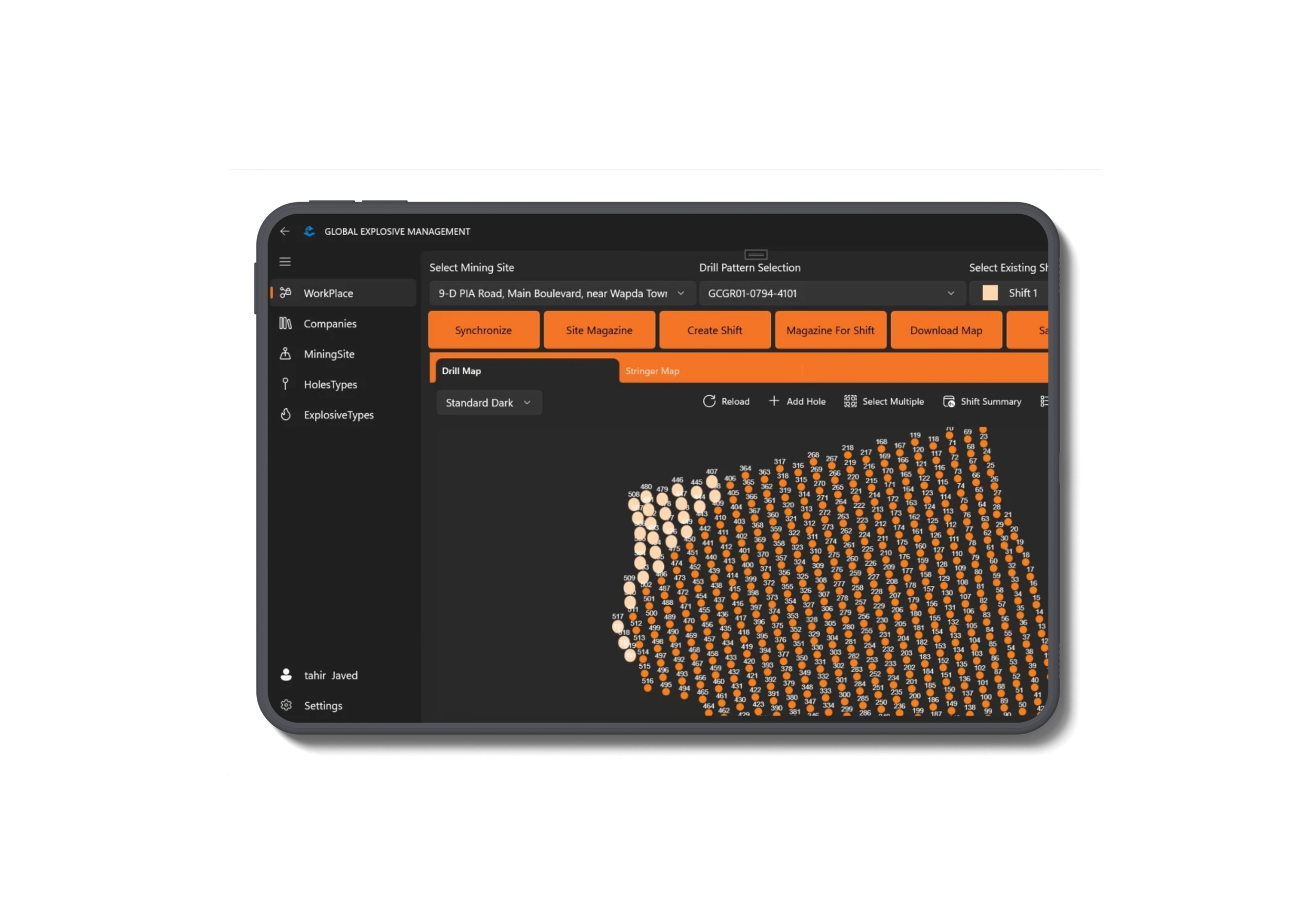
Integrated Compliance Software
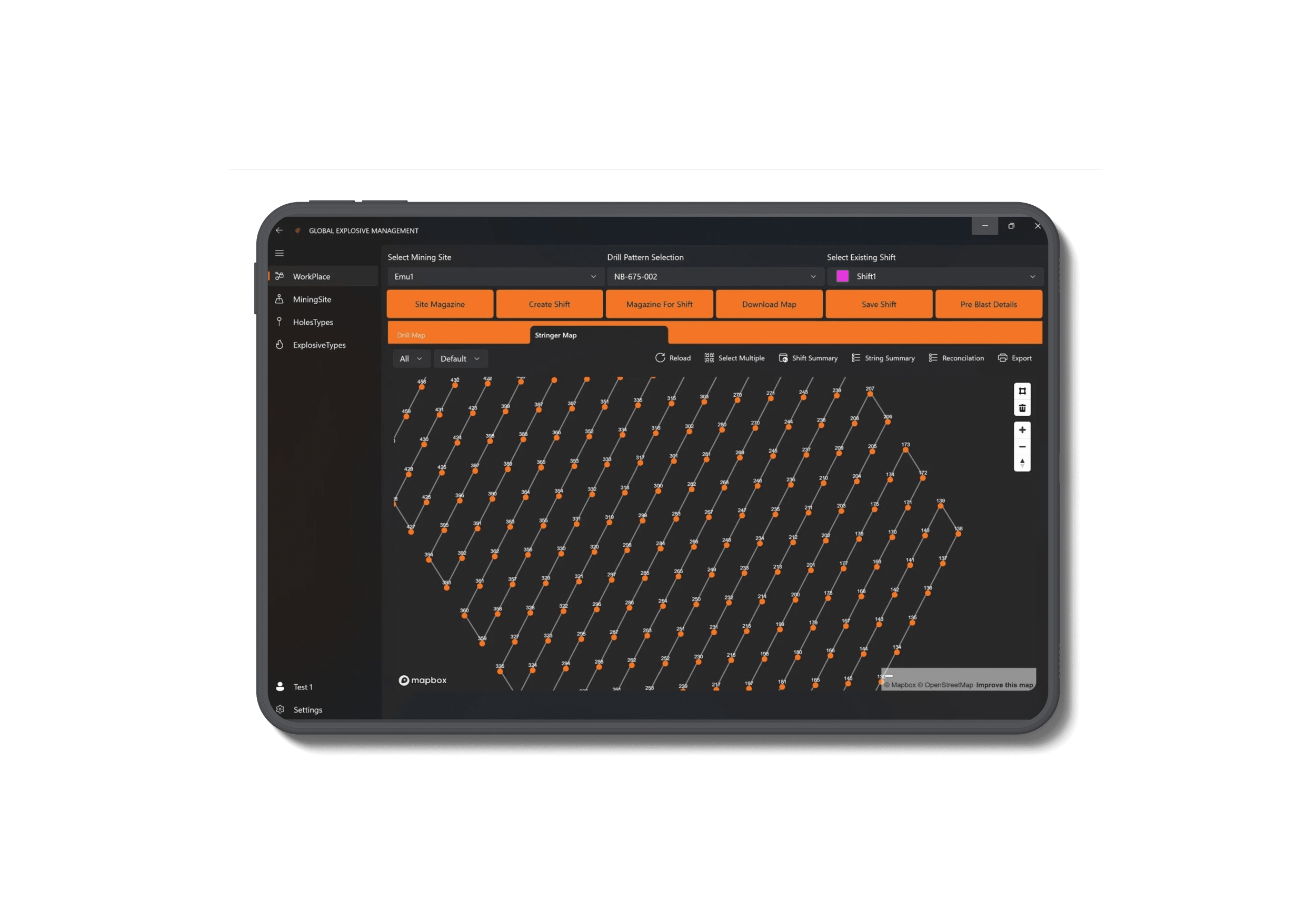
Align with Local and Global Mining Regulations
GEM is built to meet Australian and global mining compliance requirements and aligns with both Australian and international safety frameworks.
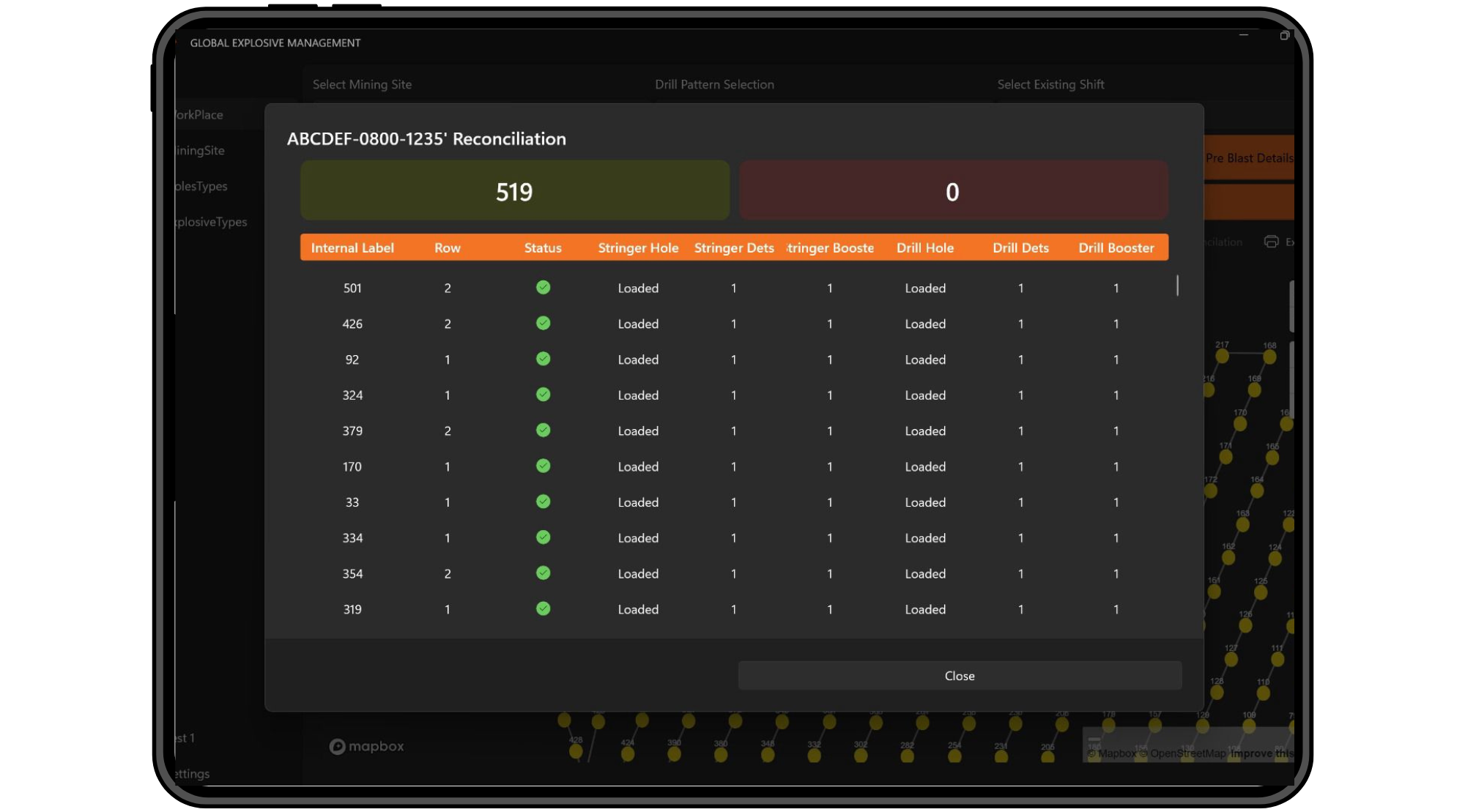
Auto-Generate Reports for Audits
One-click generation of blast reports and stock movements
Filter by date, user, site or type
Export to PDF or CSV for internal or regulatory use
End-to-End Drill and Blast Management
Connect Drill Plans with Blast Execution
Plan, execute and record blasts within a single ecosystem. The GEM App integrates seamlessly with your drill patterns and schedules, keeping your operations tight and your data consistent.
Minimise Risk Through Automated Processes
Pre-configured automated workflows with built-in checks and safety prompts reduce manual errors and risk, helping eliminate paperwork and reconciliation issues.
Ready to simplify your site’s explosive tracking and compliance?
Book a demo and we’ll show you how the GEM App fits into your existing operations, no pressure, no hard sell.